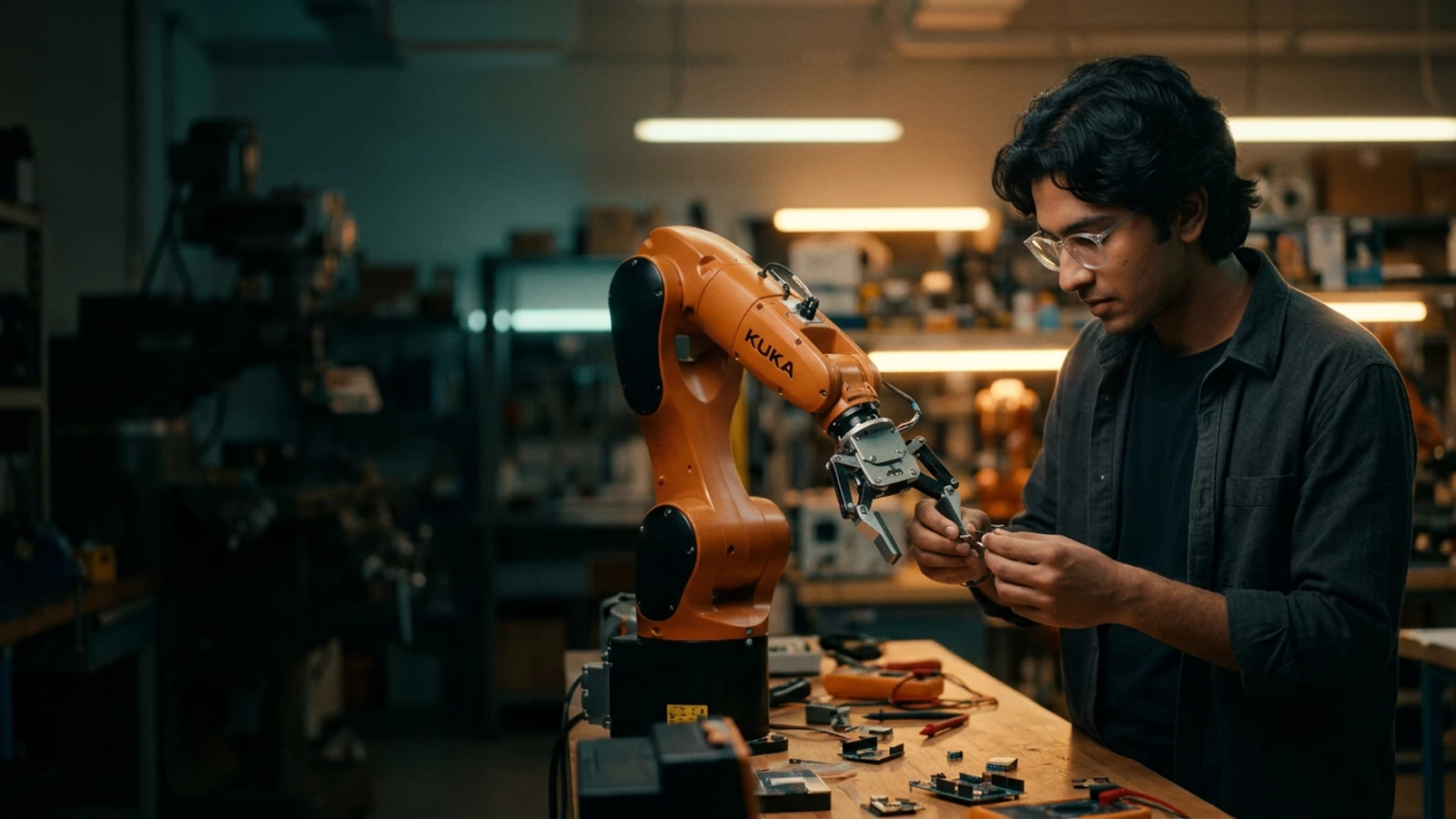
 CHAPTER 01 / THE SPARK
Look closer.
How does a gripper know when to close? Start with one question about the world in front of you.
Build robots. Train AI. Turn ideas into working projects at KONTact Classes.
Every project begins as one object you want to understand: a robot, a model, an app.
Open it up. Each piece is a skill: sensors, data, code, design and communication.
Put the pieces together again, this time knowing why every part is there.
Seven paths. Real projects.
Pick a skill and see what you could build.
A distance sensor measures how far away the object is, many times a second.
When the object is close enough, your code decides it is time to act.
Servo motors turn each joint. Tune the angles until it holds without crushing.
CHAPTER 01 / THE SPARKHow does a gripper know when to close? Start with one question about the world in front of you.
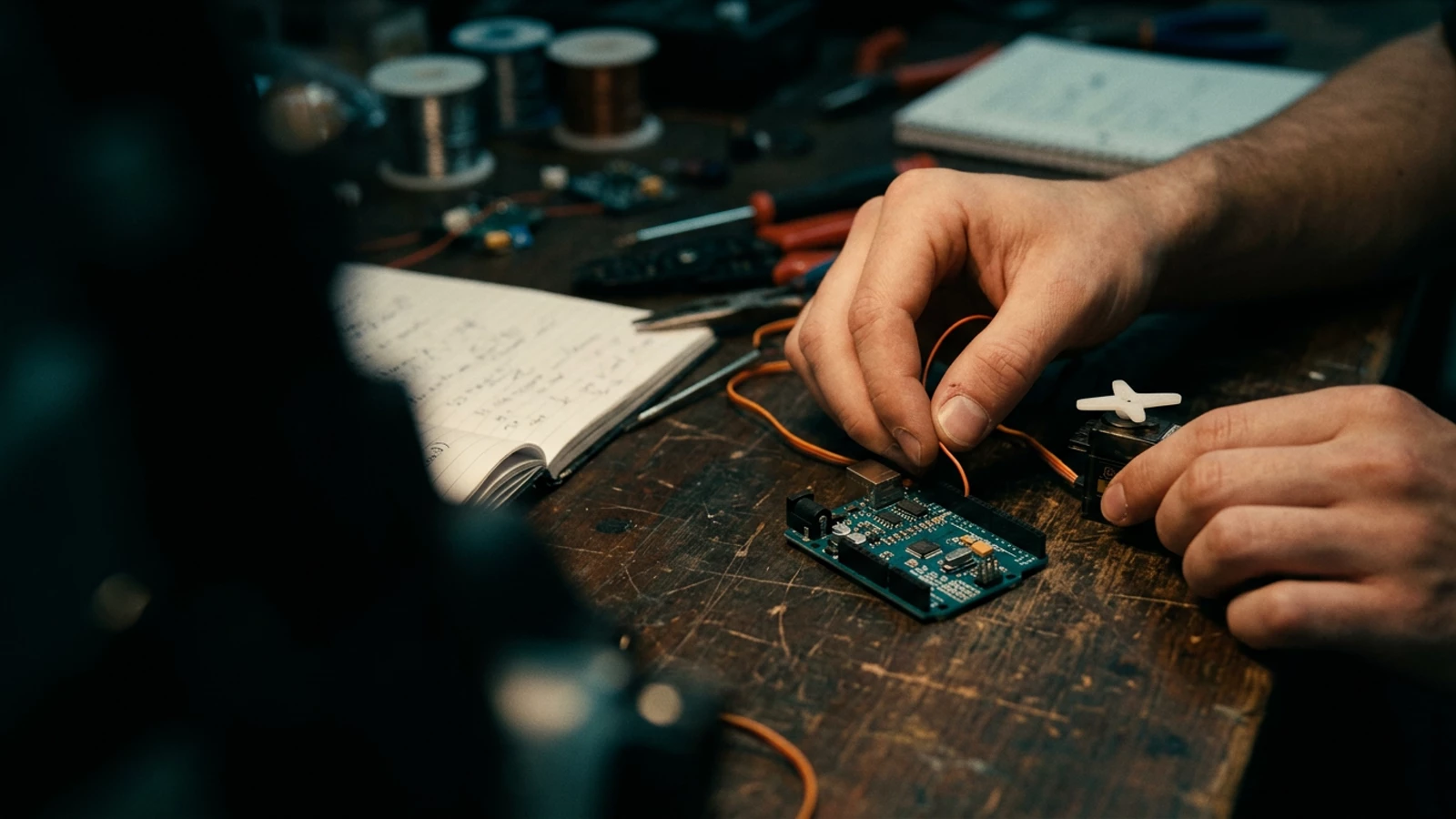 CHAPTER 02 / THE BUILD
Read the distance sensor. Set a threshold. Send a signal to the motor, then test what happens when the object moves.
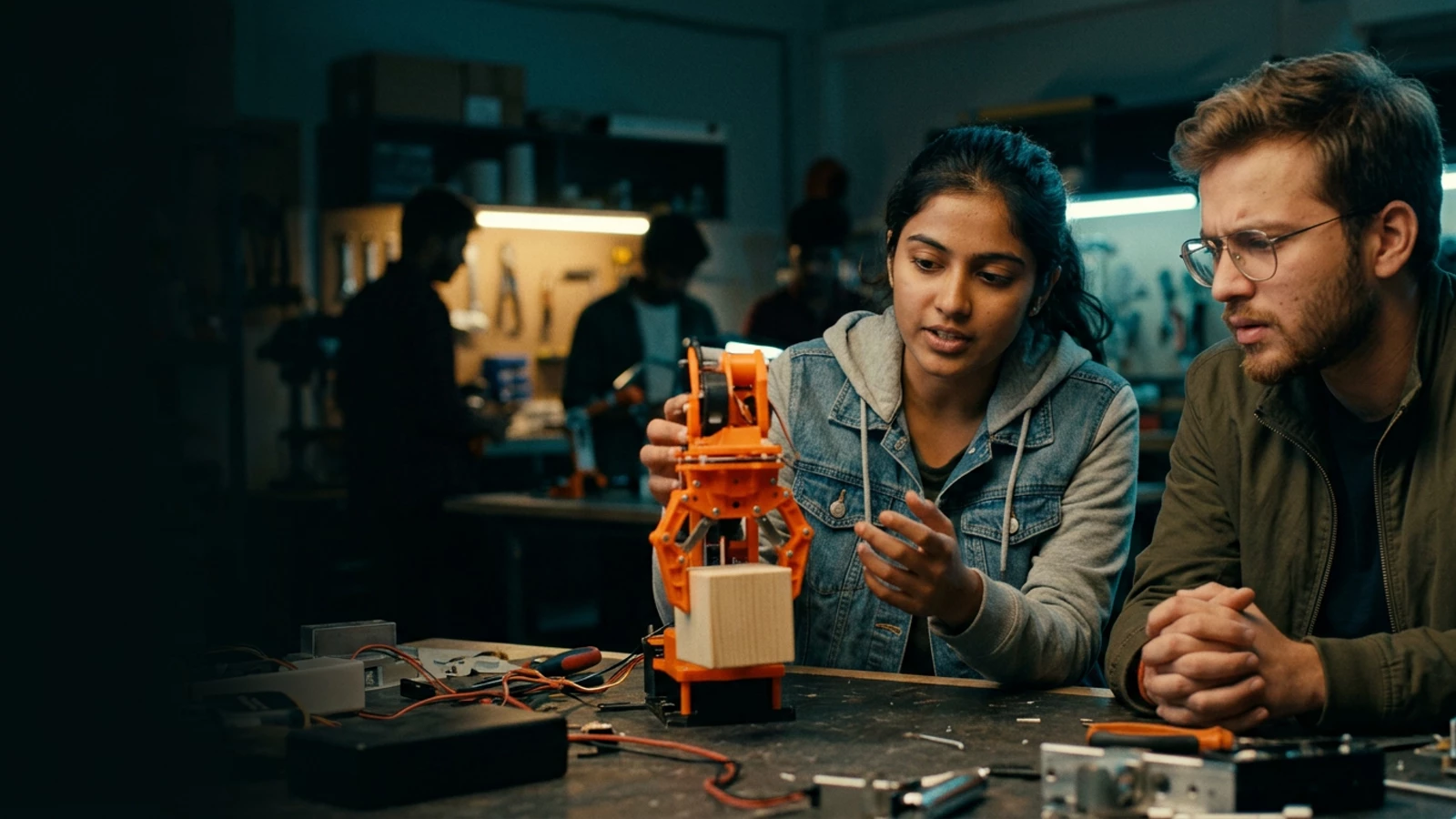 CHAPTER 03 / THE OUTCOME
Let someone try your prototype. Explain the decisions behind it, the tests that failed, and the change that made it work.
Raw frames from one robotics build, from the first question to demo day.

Choose a real problem you want to solve. Start with the tools and concepts it requires.
Put those concepts to work in a project. Test the result and refine what doesn’t work.
Explain your choices, show the outcome and practise talking about your work.
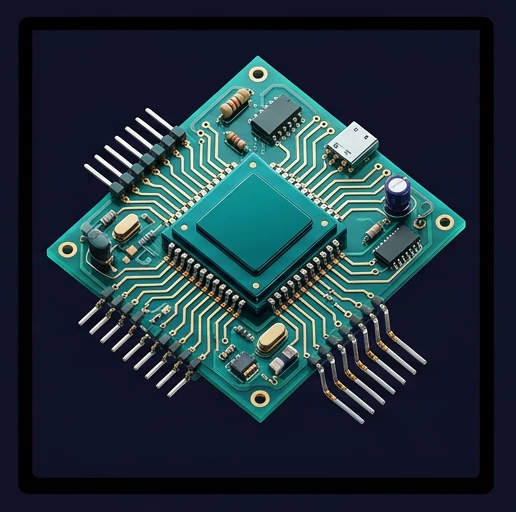
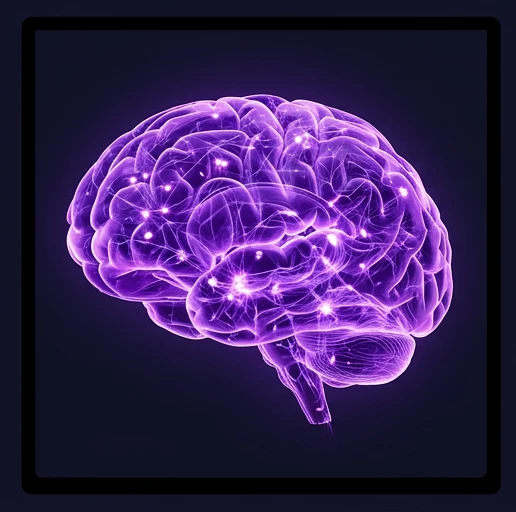
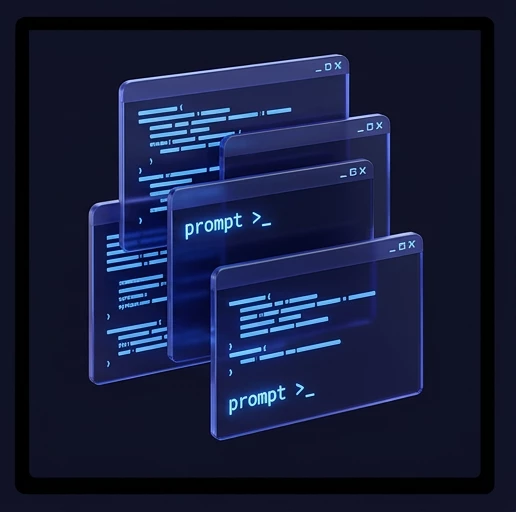
Notebook to prototype to something that moves. The distance is shorter than you think.
Step into a project. Make one decision. See what you learn.
Your classifier recognises a mug on a white desk. Will it recognise the same mug in a kitchen?
Artificial Intelligence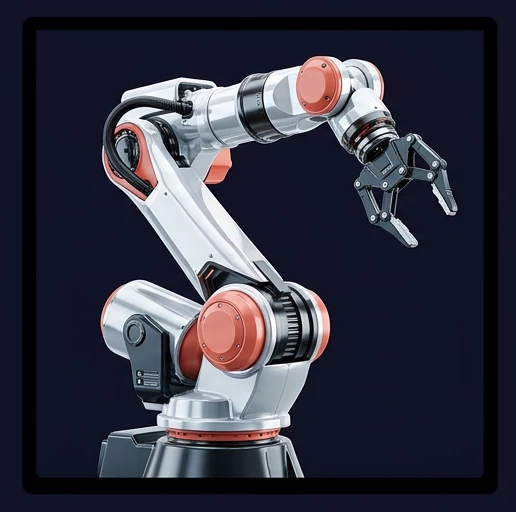 Robotics & AutomationInternet of ThingsProgramming
 Digital Marketing
 Spoken English & Communication
 Personality DevelopmentArtificial IntelligenceRobotics & AutomationInternet of ThingsProgrammingDigital MarketingSpoken English & CommunicationPersonality Development
Illustrative reviews showing the kinds of learning moments each project can offer. These are not verified testimonials.
The first time the gripper closed, it crushed the paper cup. Adjusting the stop position taught me more than getting it right on the first try.
My model worked on my own photos but missed objects in a friend’s pictures. That was when I understood why a separate test set matters.
Explaining my project in two minutes forced me to choose one problem, one decision and one result. My slides finally had a point.
Start with something you want to make: a moving machine, a useful app, a campaign or a presentation. The career pathfinder matches that goal with a program.
Each program starts with a project. Open a program in the catalogue to see its build, the skills involved and the steps you can practise.
Yes. The catalogue also includes digital marketing, spoken English and communication, and personality development. Use the Business or Professional filters to explore those paths.
Use Free counselling and select the program you are interested in. Ask about entry requirements, fees, class timings and equipment before deciding.